Ownership
Designer Transition Manager
Standardising how a design team hands over project ownership — without losing what it knows.
Preview project ↗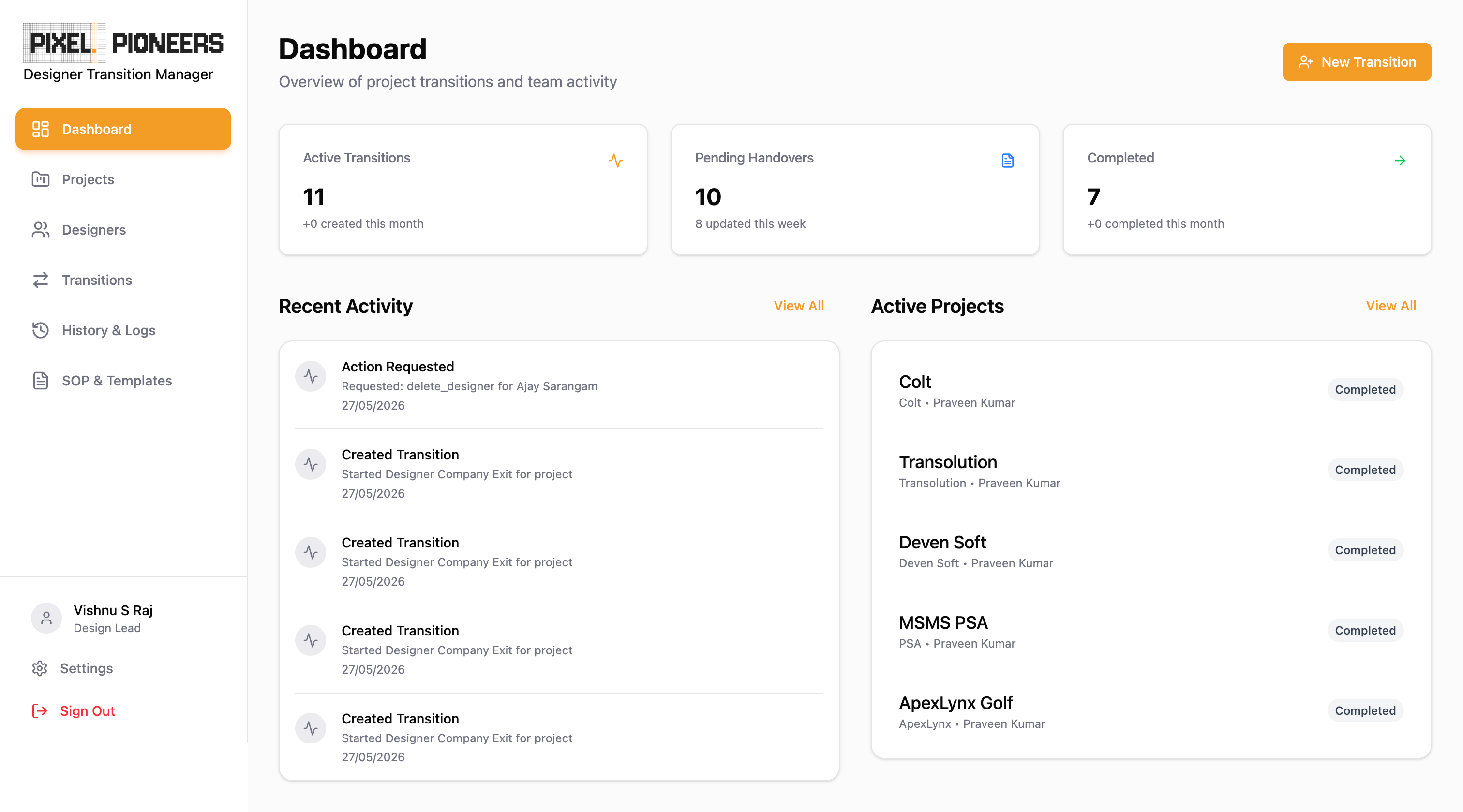
Overview
Designer Transition Manager is an internal workflow-management platform designed to streamline project ownership transitions within a design organisation. The platform centralises onboarding, ownership changes, project exits, and designer company exits into a single, auditable system that eliminates knowledge loss, improves accountability, and standardises handover processes.
The project was initiated to address the challenges of fragmented documentation, inconsistent handovers, unclear ownership, and the absence of a structured approval workflow during project transitions.
Problem Statement
Design teams frequently face operational challenges when projects change hands.
Key challenges
Knowledge loss
Critical project context often resides with individual designers, resulting in loss of information during ownership changes or exits.
Inconsistent handover process
Each designer follows a different process for documenting and transferring work, leading to incomplete handovers.
Lack of visibility
Managers have limited visibility into:
- Transition progress
- Pending handovers
- Ownership history
- Audit trails
No approval governance
Ownership changes and project exits could occur without proper review or approval.
Manual tracking
Most organisations rely on emails, spreadsheets, chat messages, and shared documents to manage project transitions — which makes audits, compliance, and future reference difficult.
Project Goals
The platform was designed to:
- Standardise all design transition workflows
- Reduce dependency on manual follow-ups
- Create a single source of truth
- Enable traceable ownership history
- Improve collaboration between designers and managers
- Preserve project knowledge
- Support audits and reporting
Users
Designer
Responsible for completing handovers, reviewing project transitions, and accepting ownership.
Design Lead
Responsible for creating projects, creating transitions, and managing design operations.
Project Manager
Responsible for creating projects, initiating transitions, reviewing transitions, and final approval authority.
Research Insights
Through workflow analysis, several recurring patterns emerged.
Ownership transitions were multi-person activities
Transitions involve the outgoing designer, the incoming designer, and the manager. The process should not be owned by a single user.
Approval must be centralised
Final authority must reside with managers to ensure governance and accountability.
Documentation needs structure
Most handovers fail because information is scattered across Figma files, drives, meeting recordings, and chat conversations.
Project context matters
Incoming designers need project history, design rationale, client expectations, and risks and dependencies before assuming ownership.
Solution
A role-driven transition-management platform was designed with the following.
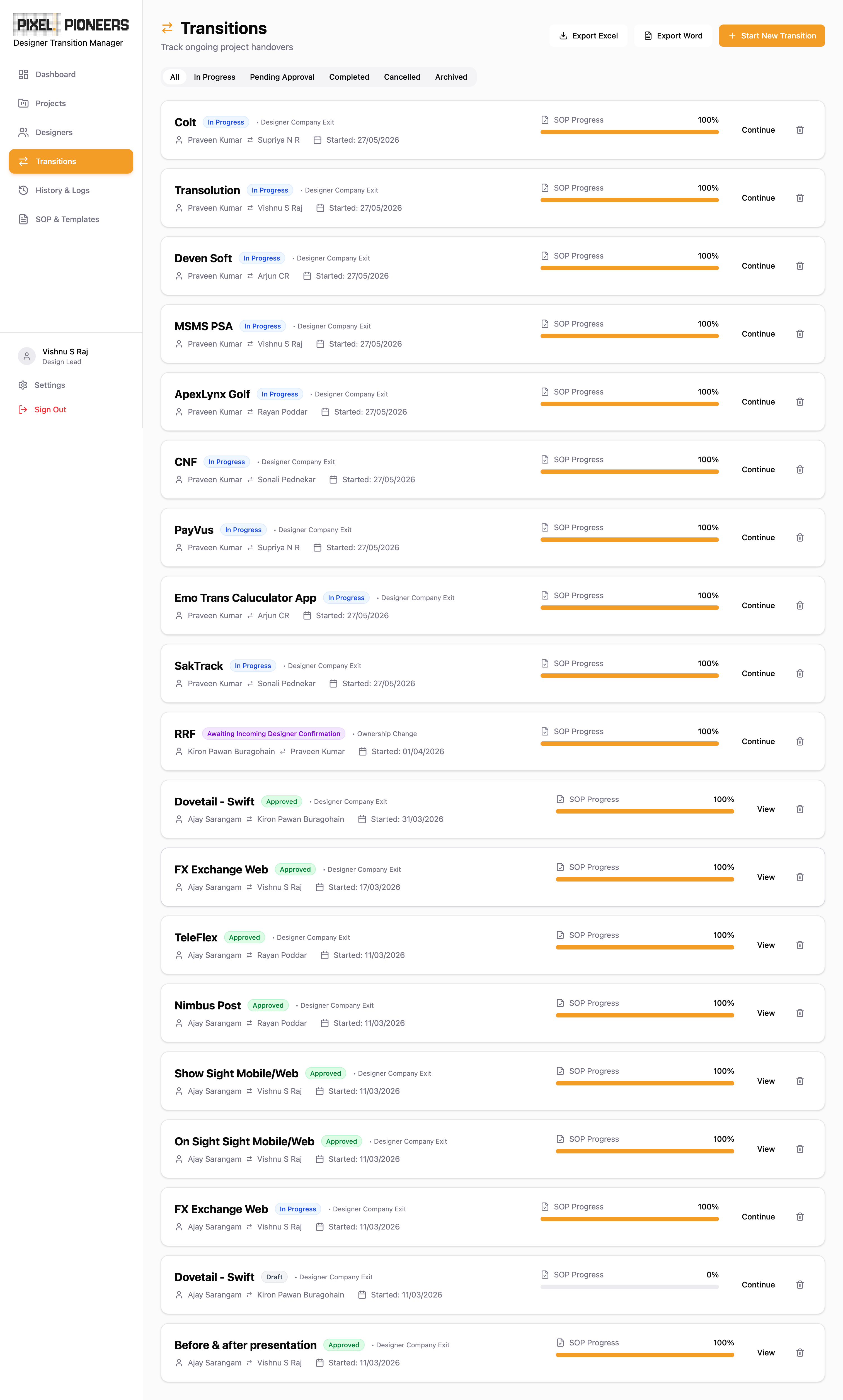
Centralised project repository
Stores project information, stakeholders, assets, ownership details, and transition history.
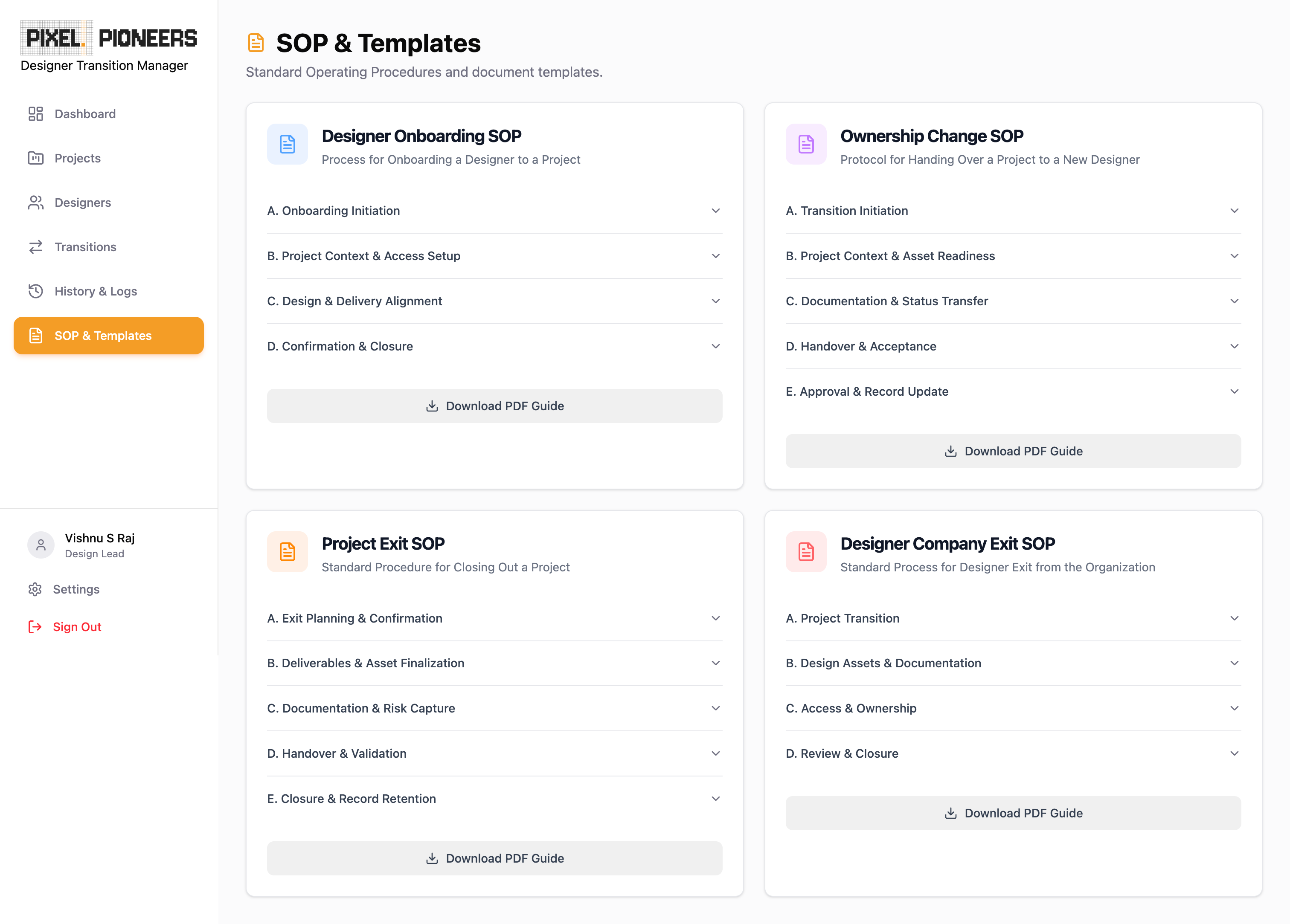
Structured SOP workflows
Support for:
- Designer onboarding
- Ownership change
- Project exit
- Designer company exit
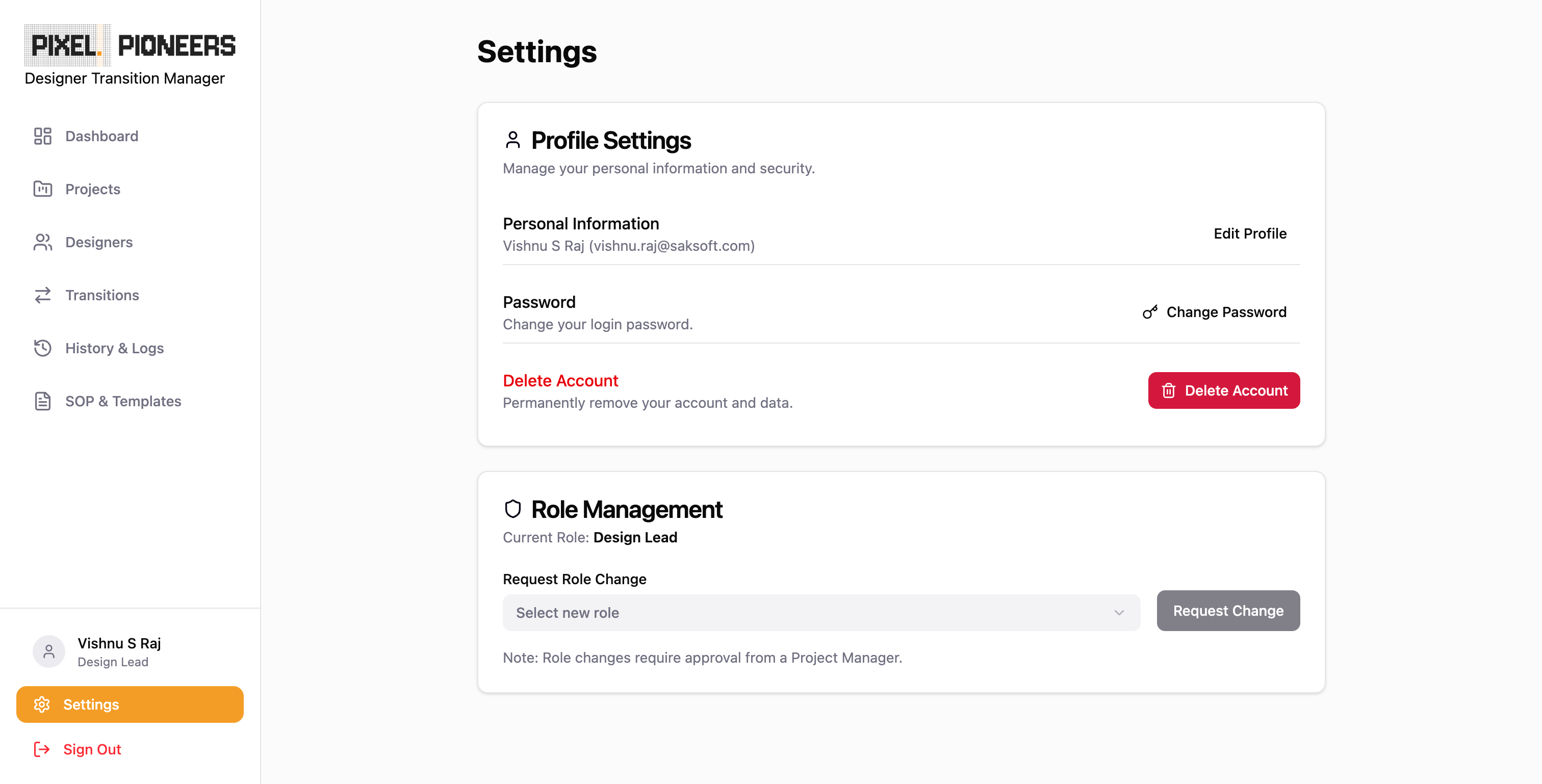
Role-based access control
Different capabilities for designers, design leads, and project managers.
Manager approval workflow
Every transition follows Create → Handover → Review → Approval. Only managers can approve.
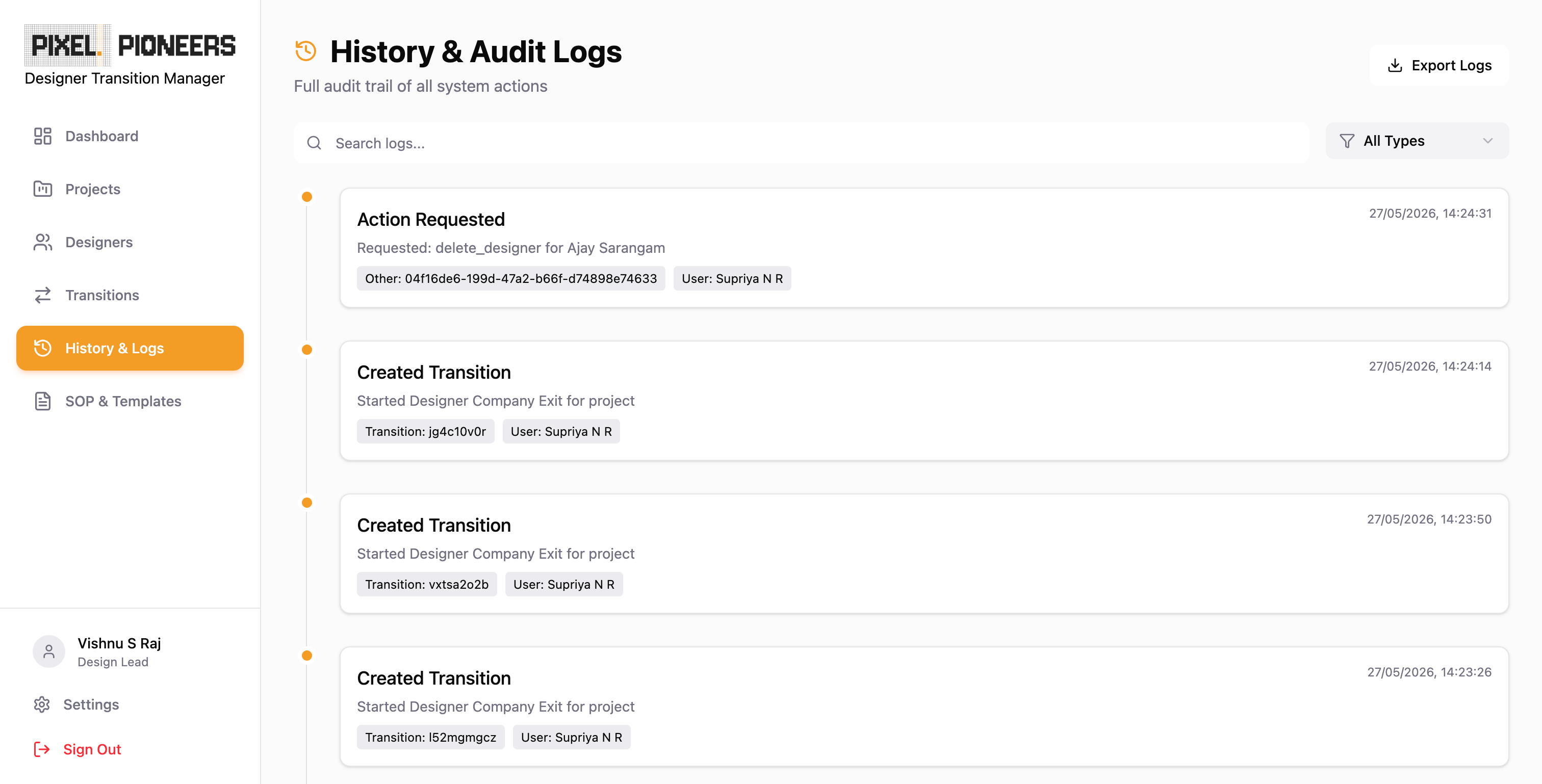
Complete audit trail
Every action is timestamped, user-attributed, and exportable.
Workflow Architecture
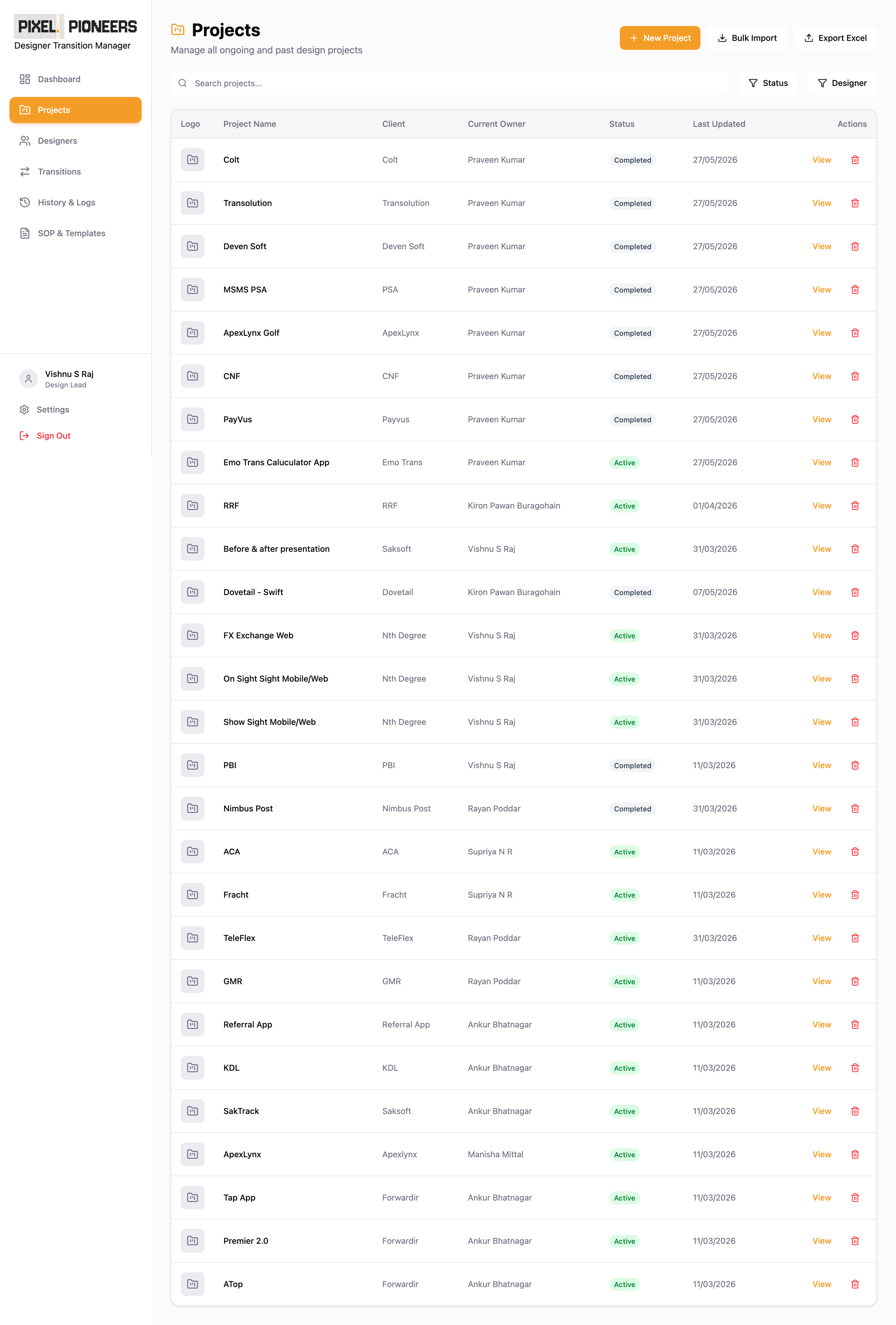
Step 1 — Transition creation
Created by the project manager or design lead. Captures the project, transition type, outgoing designer, incoming designer, and due date.
Step 2 — Outgoing designer handover
Completed by the outgoing designer. Includes documentation links, design assets, Figma files, recordings, and notes.
Step 3 — Incoming designer review
Completed by the incoming designer: review materials, request clarifications, and accept ownership. A feedback loop exists until all concerns are resolved.
Step 4 — Manager approval
Completed by the project manager: approve, reject, or request changes. Approval finalises the transition.
Key Features
Project management
Project creation
Projects contain project details, project manager name, UI/UX manager reference key, and team assignments.
Bulk upload
Projects can be imported via Excel, with additional import fields for project manager name and UI/UX manager reference key.
Transition management
Designer onboarding
Helps new designers understand project context, stakeholders, design systems, and responsibilities.
Ownership change
Facilitates designer-to-designer ownership transfer.
Project exit
Ensures complete project handover before exit.
Designer company exit
Handles project reassignments, access revocation, and documentation validation.
Role-based permissions
Designer
Can view assigned projects, complete transition tasks, and submit handovers. Cannot create projects, designers, or transitions, or approve transitions.
Design Lead
Can create projects, create transitions, and manage designers. Cannot approve transitions.
Project Manager
Can create projects, create transitions, approve transitions, and review audit history. Approval authority belongs exclusively to this role.
Manager Assignment Model
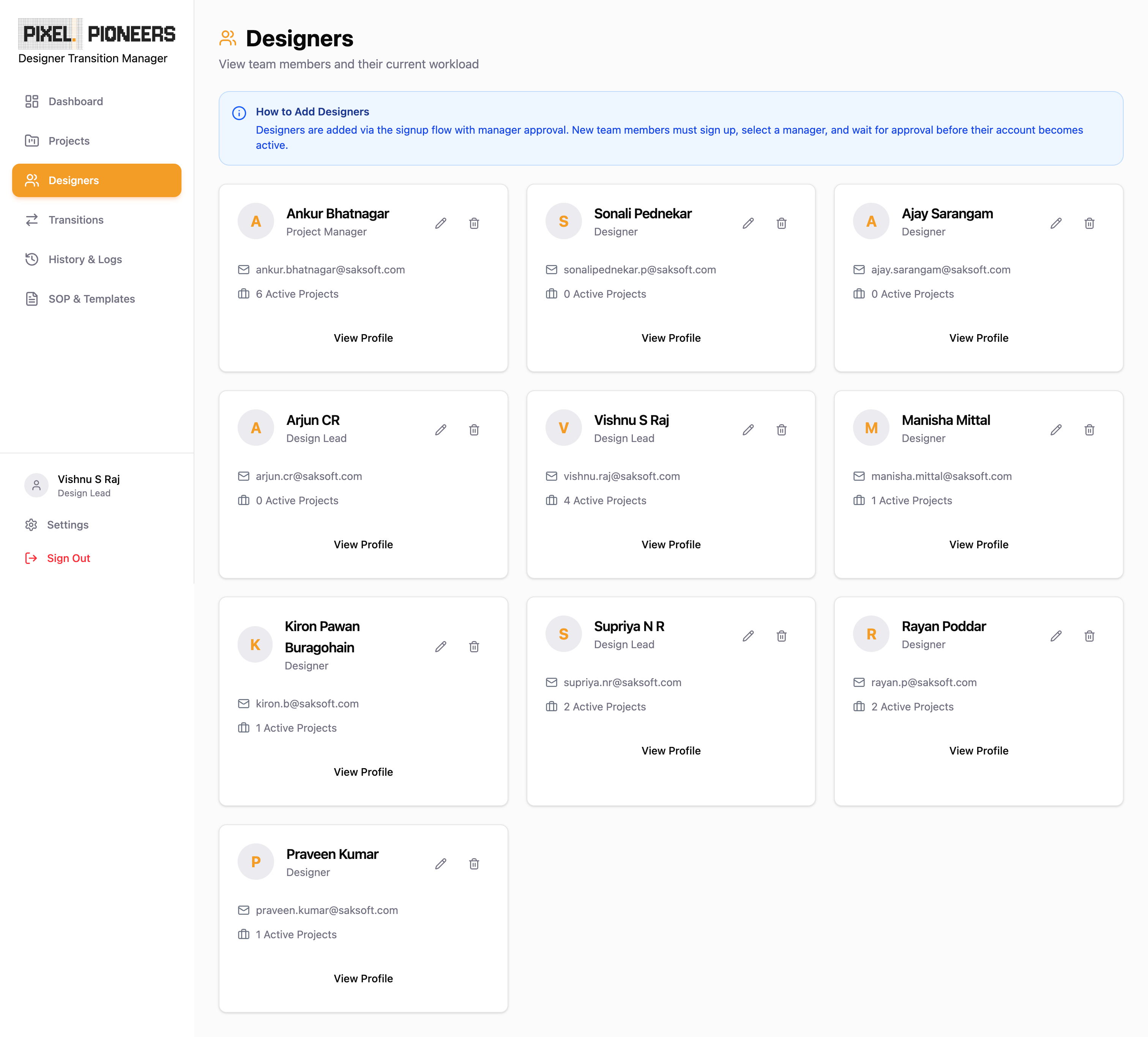
Every designer belongs to a specific manager. During signup, the designer selects a manager (fetched dynamically from existing project-manager accounts), the request is routed to the selected manager, and the account remains inactive until approval — creating a clear reporting hierarchy.
Notifications
Automated notifications are triggered for:
- Transition assignment — notify the outgoing and incoming designers.
- Clarification requests — notify relevant stakeholders.
- Approval requests — notify managers.
- Status changes — notify all assigned participants.
Reporting & Exports
Excel export
Summary sheets, SOP completion data, and history logs.
PDF export
Printable transition reports, approval history, and audit details.
Word export
Editable handover documents.
Audit & Compliance
All activities are logged — transition creation, ownership updates, approvals, rejections, clarification requests, and user actions. Audit records are retained for future reference and compliance reviews.
UX Principles
Role-based experiences
Users only see actions relevant to their role.
Progressive disclosure
Information appears only when needed.
Guided workflows
Stepper-based transitions prevent missed steps.
Clear ownership
Each step belongs to a specific user.
Transparency
All stakeholders can view status and history.
Expected Business Impact
Reduced knowledge loss
Structured handovers preserve project context.
Faster ownership changes
Clear workflows eliminate ambiguity.
Better governance
Manager approval ensures accountability.
Improved traceability
Complete ownership history is maintained.
Operational efficiency
Reduces dependency on emails, spreadsheets, and manual tracking.
Outcome
Designer Transition Manager transforms project ownership management from a fragmented, manual process into a structured, scalable, and auditable workflow system. By combining SOP-driven transitions, role-based permissions, approval governance, and comprehensive audit trails, the platform ensures that design teams can transition projects confidently — without losing context, accountability, or delivery momentum.
Good systems create accountability without creating friction.